Draw Bank Accounts: Set It Once, Get Funded Faster
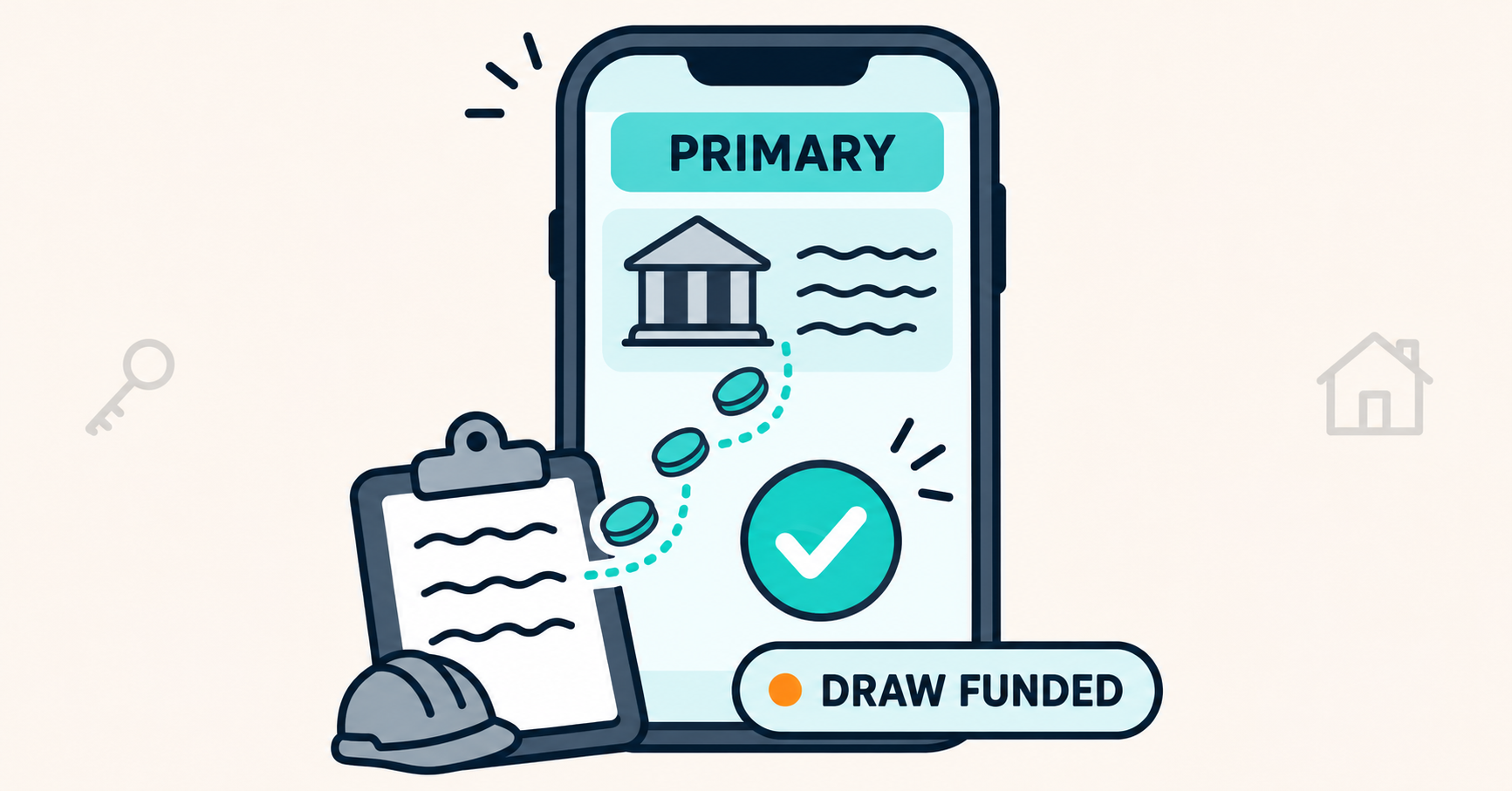
Add your draw account in the Borrower Portal, we verify it once, and every draw on that entity goes straight to it. Run more than one project? Pick a different account for any single loan.
The inspector just left. The framing is done, the photos are in, and your crew wants to be paid Friday.
You submit the draw. Then the question comes back: which account should the funds go to?
It's a small question. But it lands at the worst time, when the work is done and the money is the only thing left.
Now picture the same day with that question already answered. You submit, the draw is approved, and the funds go where they always go.
Why Your Draw Account Belongs in the Portal
A draw is your rehab or construction budget coming back to you as the work gets done. On a typical Draw Schedule, that happens several times per project. Every one of those releases needs a destination.
When the destination is settled before the first draw, every release after it moves on the work alone. That is what keeps draws in 2 days or less.
Approved once, used on every draw
Your draw account is approved for a borrowing entity, not for a single loan. Once it is verified, it carries to every construction loan that entity has with us. Close your next deal in the same LLC and the account is already in place.
Built for draws, not payments
Bank accounts in the portal are for receiving draws. Your monthly loan payments are set up separately, so changing a draw account never touches how you pay.
How to Add a Draw Account
Adding an account takes a few minutes. The verification is on us.
Step 1: Add the account in the portal
Log in to the Borrower Portal, open the borrowing entity, and add the account you want draws sent to.
Step 2: We verify it
Before any funds move, we confirm the account is held by an owner we can approve. That can be:
- The borrowing entity itself. The cleanest match.
- You, personally. The individual sponsor on the loan.
- Another of your companies. Approved when it has the same ownership and managing member structure as the borrowing entity, backed by an operating agreement we hold.
Step 3: Make it primary
Once verified, set the account as the entity's primary. Every construction loan under that entity draws to it from then on.
Draw Account Setup at a Glance
What it's for: Receiving construction and rehab draws
Approved for: One borrowing entity, all of its loans
Who can hold it: The borrowing entity, you, or a matching affiliate
Default behavior: Draws go to the entity's primary account
Exceptions: Pick a different account on any single loan
Running More Than One Project? Set It Per Loan
The primary account handles the common case. The override handles everything else.
Point one loan somewhere else
Say you run three projects in one LLC, and one of them has a partner who wants that project's money in its own account. Keep the LLC's primary as is, open that one loan, and pick the other approved account. The other two loans keep drawing to the primary.
Switching your primary
If you change the entity's primary account, the portal shows you exactly which loans will switch before you confirm. Loans you already pointed to a specific account stay where you put them.
Multiple entities, multiple primaries
Many investors hold each project, or each strategy, in its own entity. Each entity gets its own primary account. A fix and flip in one LLC and a ground-up build in another can draw to two different accounts with no extra steps on your end.
Who Can Change a Draw Account
Moving money is the one place we want the controls tight, so changing where draws go stays with the people who control the entity.
Today, the primary sponsor sees and manages their loans in the portal. Role-based access is coming soon: every Guarantor and member on the entity will be able to see their loans, and the ability to change a draw account will stay with managing members.
If your entity has more than one managing member, more than one person can hold that access. Tell your branch who should have it.
What This Means for Your Draws
You already did the hard part: the bid, the Scope of Work, the crew, the inspection. Where the money lands should be the easiest part of the draw.
With your account set, a draw request is about the work. Your branch reviews the inspection, approves the draw, and sends the funds to an account that was verified before the first dollar went out. For the numbers behind our draw times, see Draws in Hours, Closings in Days.
The Bottom Line
Your draw account is a one-time setup that pays off on every draw after it. Add it in the Borrower Portal, we verify it, and every loan under that entity draws to it. Need one project paid somewhere else? Set it on that loan and keep moving.
Call (216) 206-6079 or start your application at uprightlending.com.
Already a borrower? Log in to the Borrower Portal and set your draw account before your next draw. New to Upright? Create your free account.
Ready to fund your next deal?
Partner with a lender who understands your investment strategy.
Subscribe to Our Blog
Get the latest insights, market trends, and investment strategies delivered to your inbox.